Karma Tengyal Ling
Buddhistisches Institut
Sprache auswählen


Wer sind wir
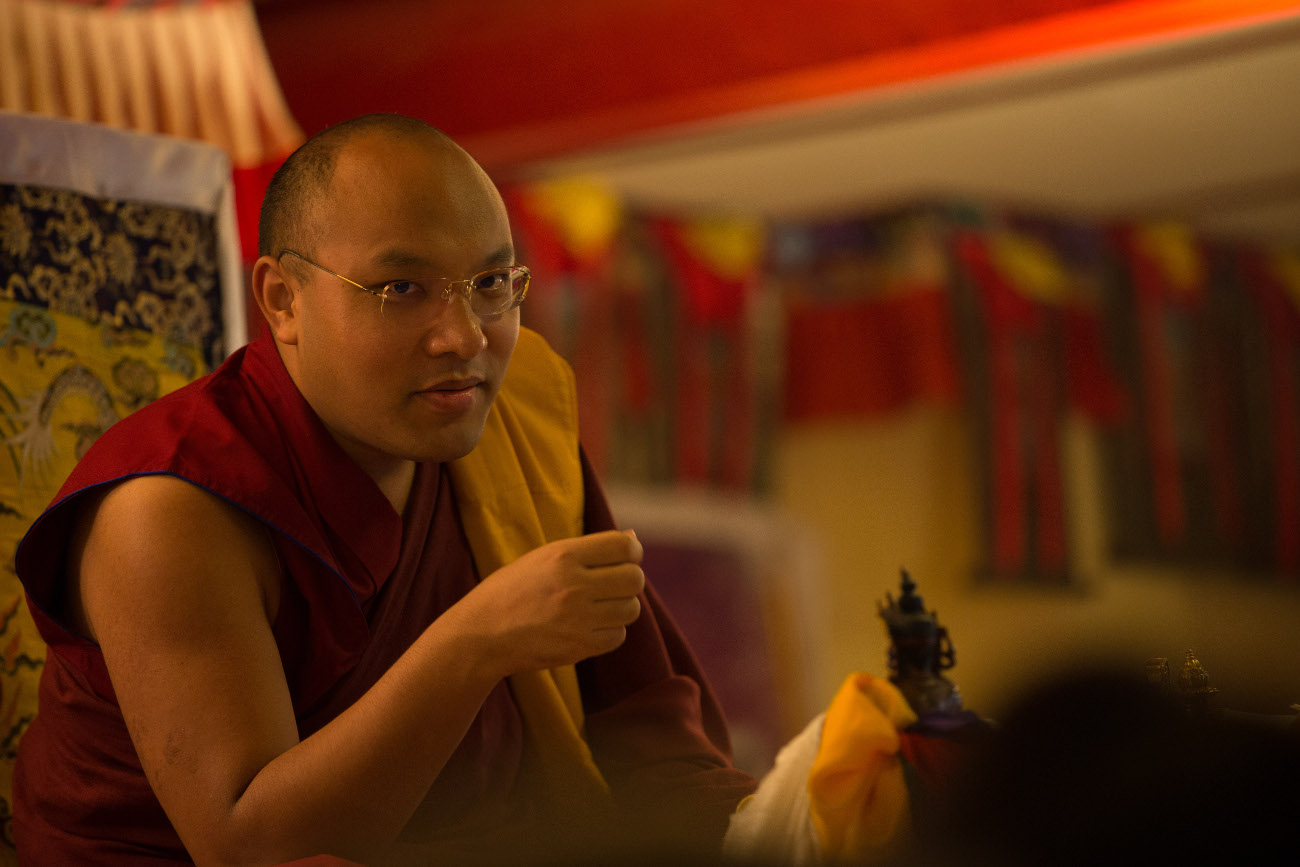
Wir sind Menschen, die der Lehre des Buddhas folgen. Begründer des Karma Tengyal Lings als Institution sind der 16. Gyalwang Karmapa und der 3. Jamgön Kongtrül Rinpoche. Die Institution wird durch den gleichnamigen Verein getragen. Zum Vereinszweck gehören die Einrichtung eines Tempels und der Bau einer Kloster - bzw. Tempelanlage, in welcher das Studium und die Praxis der buddhistischen Lehre ermöglicht wird.
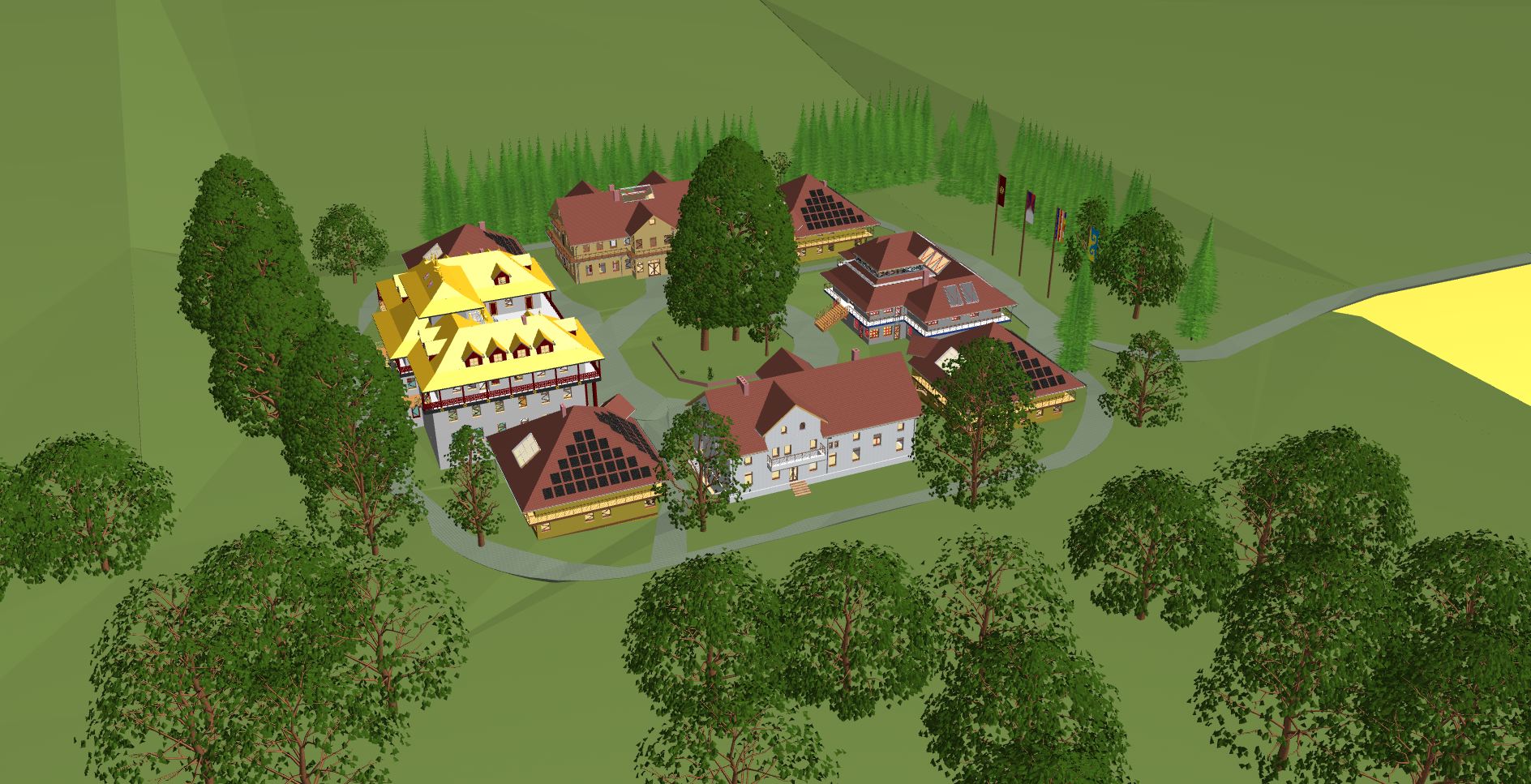
Bauprojekt
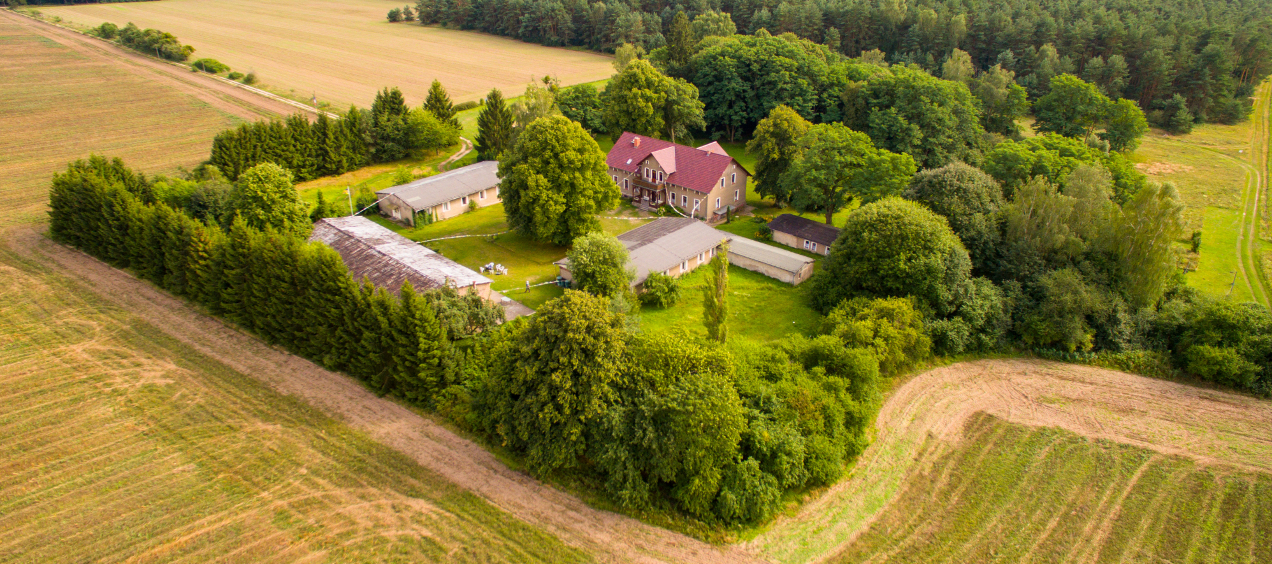
Aus dem Anwesen hier in Stechlin-Menz soll eine Buddhistische Institution in Form einer Tempel- und Klosteranlage entstehen,
die die Möglichkeit bietet, die Lehren Buddhas in ihrer Gesamtheit kennen zu lernen, sie zu studieren und zu praktizieren.
Die abgeschiedene und ruhige Lage weit außerhalb einer Ortschaft ist hervorragend für diese Zwecke geeignet.
Ein Ort für Menschen
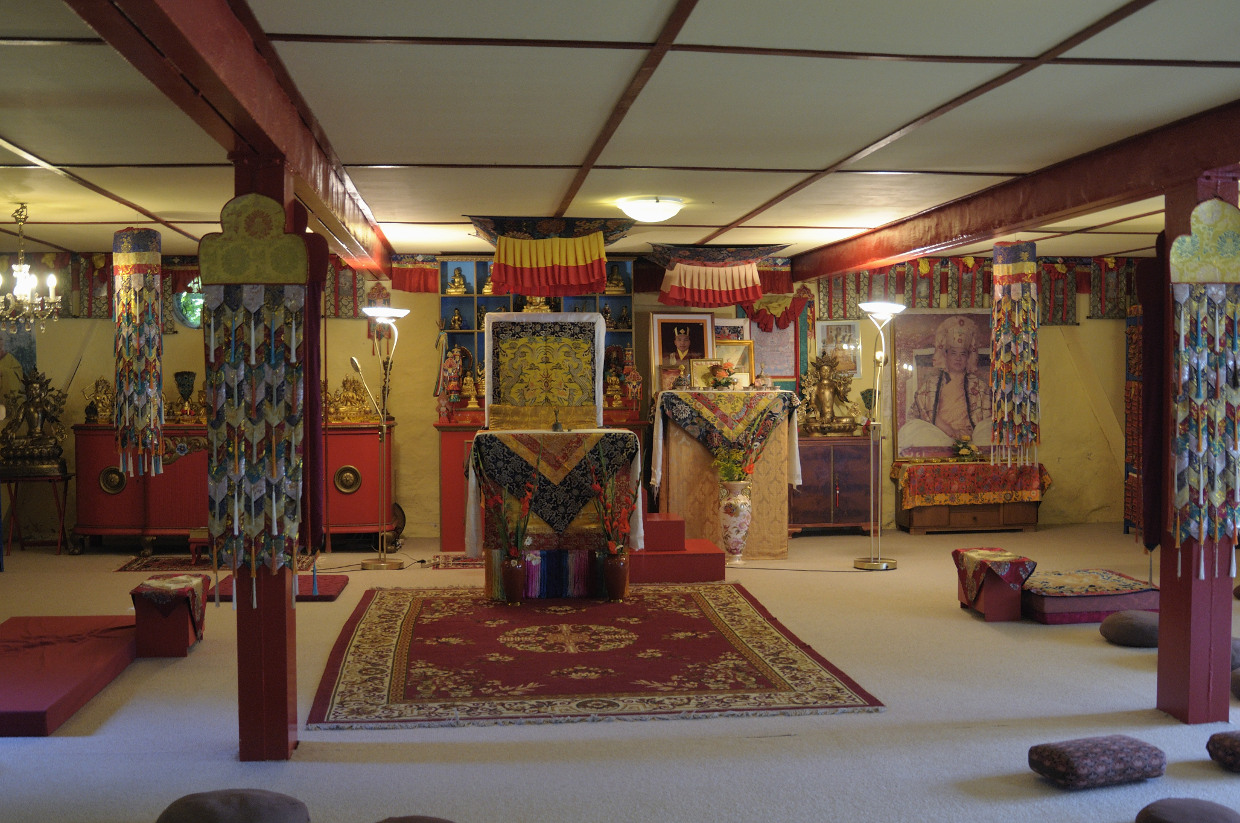
Sie brauchen ein paar Tage Ruhe, wollen sich von der Hektik des Alltags zurückziehen, sehnen sich nach Stille und Natur? Fernab vom Lärm der Großstadt hören Sie bei uns nicht mal mehr Straßengeräusche. Sie können uns bei unseren Meditationen begleiten, oder sich alleine ins unsere Meditationsräume zurückziehen. Sie können ein paar Tage schweigen oder auch ein paar Stunden des Tages in kontemplativer Mitarbeit verbringen (Karma Yoga).
Was Sie tun können
Mitfreude schenken. Wie bei allen Dingen des Lebens, ist die geistige Unterstützung für jedes Projekt von großer Bedeutung. Es ist die einfachste und letztlich auch die effektivste Unterstützung. Selbst der finanzielle Schwächste ist so in der Lage, das Tempel- und Klosterprojekt des Buddhistischen Instituts zum Nutzen aller Wirklichkeit werden zu lassen. Wir würden uns sehr freuen, wenn wir Sie/Dich von unserer Begeisterung und unserer Freude anstecken könnten.